

Select Your Country/Region

Europe

  • Österreich Deutsch
  • France Français
  • Italy Italiano
  • España Español
  • Denmark English
  • Norway Italiano
  • Sweden English
  • The United Kingdom English
  • Portugal English

North America

  • The United States English
  • Canada English

Oceania

  • Australia English
  • New Zealand English

Asia

  • 中国大陆 简体中文
  • 日本 日本語
  • South Korea Korean
  • Saudi Arabia Arabia
  • United Arab Emirates Arabia

Africa

  • South Africa Afrikaans
  • Egypt Egypt
  • Brazil Español
RoboUP

RoboUP

Posts: 69

Followers: 1

Date: 06/12/23

RoboUP

RoboUP

05-20 07:02

Always Up-to-Date: OTA Upgrades for Your RoboUP Robot Mower in 15 Minutes via Wi-Fi

Firmware plays a crucial role in the world of service robots and robot lawn mowers. Known as the silent force that drives performance, enabling our mowers to tackle a variety of lawn types. From navigating through intricate landscapes, to adjusting cutting patterns for different grass varieties, RoboUP's firmware is indispensable in maintaining the smooth and efficient operation of robot lawn mowers. In this blog, we will introduce our Over-The-Air (OTA) firmware updates and explore the function, purpose, and steps to follow on how to upgrade and update your RoboUP robot lawn mower.

Robot Mower

0

3

RoboUP

RoboUP

05-12 23:33

RoboUP T1200 Pro, Ideal For Complex Gardens

Wondering how the T1200 Pro handles large and complex gardens? Here are some details about its adaptability that you need to know. Check them out and see if it matches your lawn!
1. Tree coverage along the lawn edge: <10%
2. Tree coverage in the middle of the lawn: <20%
3. Maximum edge slope: 15% (8.5°)
4. Maximum slope in the middle: 45% (25°)
5. Maximum lawn area: <1200 square metersNarrow pathway width: >1 meter
6. Length of narrow pathway: <10 meters

Robot Mower

0

3

RoboUP

RoboUP

04-17 21:34

Device Interface Tutorial Part 1: Introduction of Buttons

Check out the first tutorial video on RoboUP's user interface! Learn how to check the information of the device.
00:04 How to unlock the mower?
00:17 How to enable Wi-Fi?
00:35 How to reset to factory settings?
01:21 How to check device information?

Robot Mower

0

3

RoboUP

RoboUP

04-18 08:43

Device Interface Tutorial Part 2: Mastering the Basics

Master the basics now with RoboUP! Smoothly power On and Off, enter pin codes, and discover the magic of Auto-Mapping. Short press and long press through it all. With these instructions, you can adjust the cutting height and ensure a smooth return to the charging station with ease! Start learning now so you'll become a master in no time!

00:04 How to power on?

00:22 How to power off?

00:36 How to start auto-mapping?

00:51 How to start mowing?

01:00 How to adjust the cutting blade height with buttons?

01:23 How to return to charging station after mapping?

01:40 How to return to charging station before mapping?


Robot Mower

0

3

RoboUP

RoboUP

09-23 14:04

Bonus Prize! Invite Your Friends to Join RoboUP 3D DIY Competition Today!

Never tried 3D printing before, but want to be interactive? There's another way to win up to $50 Amazon gift cards without using a 3D printer! Just invite all your friends into our RoboUP Facebook Group, take a screenshot and DM us on Facebook Messenger to automatically enter the prize draw. 🎁
【Join Us】
https://www.facebook.com/groups/roboup
#RoboUP #30DayChallenges #3DPrinting

Your Voice

1

2

RoboUP

RoboUP

03-27 17:19

Press Once. It Maps. It Mows.

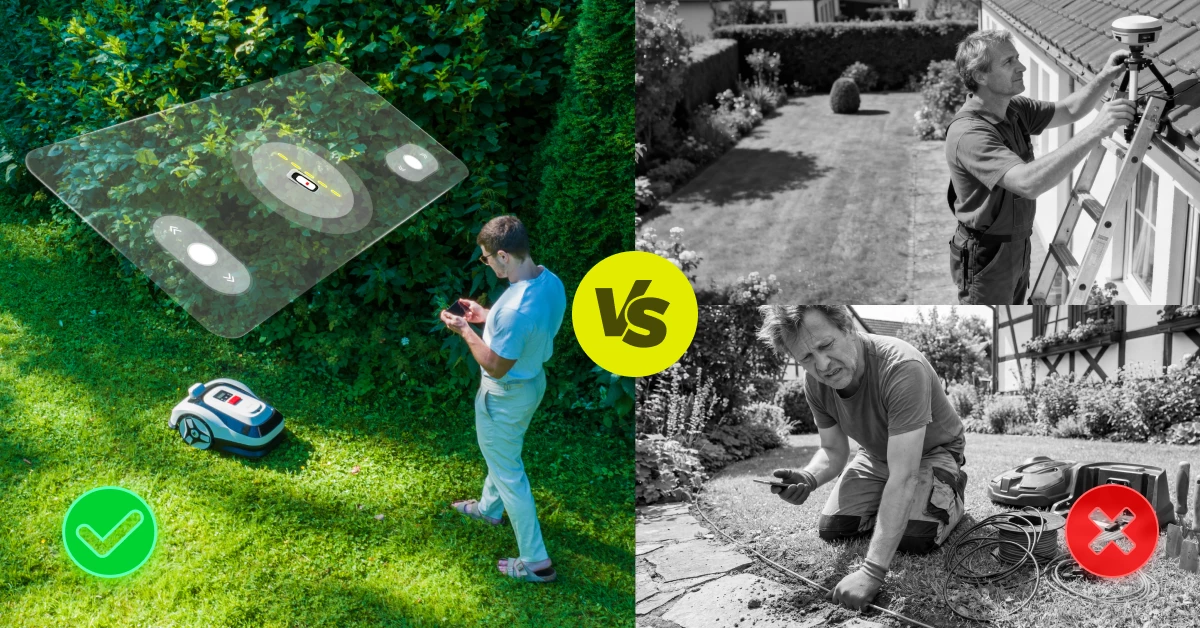
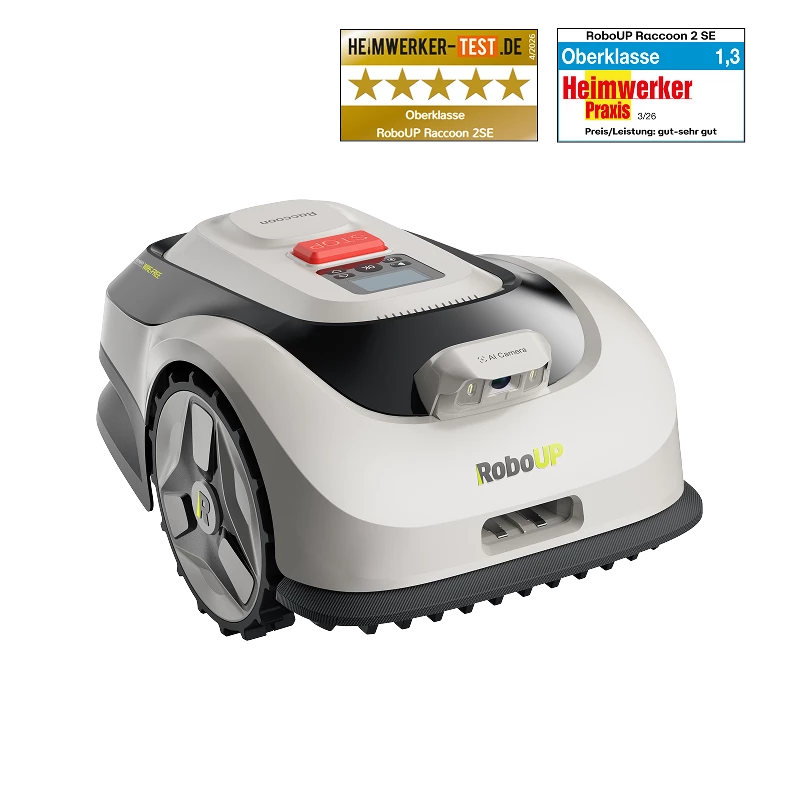
Designed for small gardens up to 600㎡, Raccoon 2 SE delivers true "Plug & Mow" simplicity — automatic mapping and mowing at the press of a button.

No app dependency. No learning curve.
Use the RoboUP app if you like — or operate it entirely from the onboard control panel. It's intuitive enough for anyone, even those who prefer to stay offline.

Here's how leading tech media describe the experience:

The RoboUP app is not absolutely necessary for the Raccoon 2 SE. It can also be set up and used completely without a smartphone using the control unit on the top of the device. This means it can even be used by smartphone-averse people with small lawns. — Notebookcheck

Your Voice

0

2

RoboUP

RoboUP

09-23 14:01

🎨 ROBOUP 3D PRINTING DIY COMPETITION! Round 2 🎨

Who's up for a 30-day challenge? 🙋‍♂️ Whether you're a seasoned 3D printing pro or just getting started, this is your chance to let your creativity shine and win limitless prizes!


How to Enter:

1. Design & Print: Create any RoboUP-related 3D prints like mower covers, RTK Base Station, bumpers, autumn decorations, gardening products or anything you can come up with. The sky's the limit!

2. Share Your Creation: Post your draft, design or finished DIY creation in the RoboUP Facebook Group and use the tags #RoboUP #30DayChallenges #3DPrinting.


List of Prizes:

🥇 1st Prize: A RoboUP T1200 Pro Robot Mower (1 winner)

🥈 2nd Prize: 2 RoboUP Garages (2 winners)

🥉 3rd Prize: 2 x $200 Amazon gift card (2 winners)

🎖️ 4th Prize: 3 x $100 Amazon gift card (3 winners)

🎁 5th Prize: $50 Amazon gift card (unlimited winners)


Winners will be chosen based on the number of likes their post receives. This is your chance to bring your ideas to life. Let's get printing! 🚀

Your Voice

0

2

RoboUP

RoboUP

04-17 16:49

Precision Cutting, Tailored to Your Lawn

Designed for flexibility and consistent results, Raccoon 2 SE allows you to fine-tune your lawn exactly the way you like it.

With an adjustable cutting height ranging from 30mm to 80mm, you can easily adapt to different grass types and seasonal needs. The height can be set in precise 5mm increments — whether directly on the device or through the app — ensuring a clean, even cut every time.

Here’s what media reviewers experienced during real-world testing:

“Adjustable Cutting Height: Set it anywhere from 30mm to 80mm. This robot mower delivers an impressively even cut on your lawn. You can set the cutting height anywhere between 30 and 80 mm, adjustable in 5 mm increments either in the app or directly on the device.”
— Basic Tutorials

Your Voice

0

2

RoboUP

RoboUP

02-11 14:57

🎨 ROBOUP 3D PRINTING DIY COMPETITION! 🎨

Who's up for a 30-day challenge? 🙋‍♂️ Whether you're a seasoned 3D printing pro or just getting started, this is your chance to let your creativity shine and win limitless prizes!


How to Enter:

1. Design & Print: Create any RoboUP-related 3D prints like mower covers, RTK Base Station, bumpers, autumn decorations, gardening products or anything you can come up with. The sky's the limit!

2. Share Your Creation: Post your draft, design or finished DIY creation in the RoboUP Facebook Group and use the tags #RoboUP #30DayChallenges #3DPrinting.


List of Prizes:

🥇 1st Prize: A RoboUP T1200 Pro Robot Mower (1 winner)

🥈 2nd Prize: 2 RoboUP Garages (2 winners)

🥉 3rd Prize: 2 x $200 Amazon gift card (2 winners)

🎖️ 4th Prize: 3 x $100 Amazon gift card (3 winners)

🎁 5th Prize: $50 Amazon gift card (unlimited winners)


Winners will be chosen based on the number of likes their post receives. This is your chance to bring your ideas to life. Let's get printing! 🚀

Your Voice

0

2

RoboUP

RoboUP

08-14 14:43

RoboUP Garden Life: 5 Easy Recipes to Try This August - Strawberry Kale Salad

Strawberry and kale? More like heaven on a plate! Kale is a nutrient-rich leafy green that grows well in cool weather, making it great for the upcoming autumn season. Mixing it with strawberry adds a taste of summer to your palate.

· Ingredients: Kale, strawberries, olive oil, cider vinegar, honey, salt, peppers, bacon, fresh mint, cheese, and toasted almonds.

· Instructions: Mix olive oil, cider vinegar, honey, salt, and peppers for dressing. Place kale, strawberries, bacon, and mint in a bowl with dressing. Sprinkle with cheese and almonds.

Home & Garden

0

2